
How Can a Resort Reduce Its IT Costs?
Last Updated: November 14, 2026
Quick Summary
You can reduce resort IT costs by consolidating servers through virtualisation, bundling support, monitoring and patching into one agreement, and reviewing every software licence each year. Fixing these three leaks lowers resort IT costs without cutting service quality. Plan hardware replacements two years ahead and track power and cooling costs per rack.
- Server virtualisation runs several virtual servers on one physical machine, cutting hardware, power, cooling and maintenance.
- Ask providers to confirm in writing whether any support charge is waived, reduced or fixed for the term.
- Build the IT budget on a total-cost worksheet that includes mandatory support, connectivity, replacement reserve and exit charges.
- Compare every quote line by line against the worksheet rather than the previous invoice.
- Log the date, person and written response for any billing dispute, and escalate in writing if the charge is not corrected.
Table of Contents
- IT Cost-Saving Strategies for Resorts
- Server Virtualisation for Resorts: Fewer Machines, Lower Bills
- Outsourced IT Support for Resorts: What You Actually Pay For
- Hotel IT Budget Planning That Prevents Surprise Bills
- Frequently Asked Questions
IT Cost-Saving Strategies for Resorts
Most resorts treat IT as a fixed cost, and few ever ask what resort IT costs when the contracts are left unmanaged. That is the mistake. Resort IT spend is often held back by the same three leaks: too many physical servers, too many separate support contracts, and no forward budget. Fixing those three is how to reduce resort IT costs without cutting service quality.
Start with the biggest line item, then work down:
- Consolidate servers before buying new hardware
- Bundle support, monitoring and patching into one agreement
- Review every software licence each year
- Track power and cooling costs per rack
- Plan replacements two years ahead, not two weeks
Server Virtualisation for Resorts: Fewer Machines, Lower Bills
Server virtualisation runs several virtual servers on one physical machine instead of buying a separate box for each job (What is Server Virtualization?). Fewer machines means less hardware, power, cooling and maintenance.
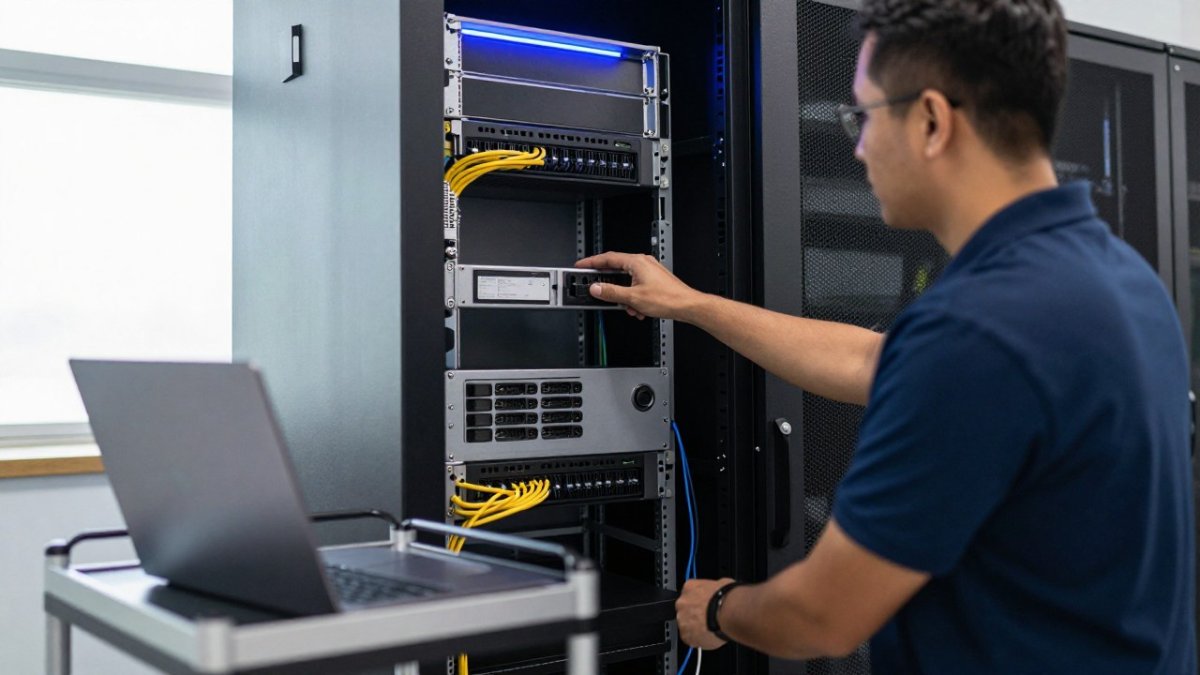
At INCITE Vanuatu, we work with both VMware and Microsoft Hyper-V, so the platform fits your existing systems. Virtualisation also simplifies disaster recovery: a virtual server can be restored to different hardware when the original fails. Our server administration for small business guide covers the operational detail.
Outsourced IT Support for Resorts: What You Actually Pay For
Outsourced IT support is a managed service where a provider takes responsibility for your help desk, maintenance and administration. The fee buys accountability, not just tickets. The real value sits in what happens when nobody has called the help desk: monitoring, patching, backups and vendor management all run in the background.
Ask the provider to confirm in writing how any support charge is treated, including whether it is waived, reduced or fixed for the term.
Before signing anything, ask these questions:
- What are you actually taking responsibility for?
- Who watches the backups?
- Who checks that patching is happening?
- Who responds to an alert at 2am?
- Who deals with the internet provider when the line drops?
If you need to request a waiver or dispute a charge, put it in writing. A phone script can be as simple as: “Please confirm the mandatory support charge on our agreement, what it covers, and whether it can be reduced or waived for our term.” For a written request, state the agreement reference, the charge, the basis, and the outcome you want.
Watch out: an unresolved billing dispute gets harder to fix once the next invoice arrives, so log the date, the person you spoke to, and the written response, and escalate in writing if the charge is not corrected.
Our team has put together five questions to ask before you outsource IT help desk if you want the full list to take into a meeting.
Hotel IT Budget Planning That Prevents Surprise Bills
Hotel IT budget planning is the yearly process of forecasting hardware, software, support and connectivity costs before they land. The goal is simple: no surprise bills. But a budget that only lists four lines will still surprise you, because the charges that hurt most are buried in contracts and rate sheets.
Build the budget on a total-cost worksheet instead of a list. Put every candidate line on the same basis so you can compare quotes fairly:
- Base service or licence rate
- Mandatory support, monitoring and patching charges
- Connectivity and line-rental charges
- Hardware replacement reserve
- Power and cooling attributable to the rack
- One-off migration or setup charges
- Early-termination or exit charges
Apply the same worksheet to every quote. A provider that quotes a low base rate but loads mandatory monitoring and patching into a separate line is not cheaper once both columns are filled in. The second and third columns usually decide the comparison, not the headline rate.
Check what your supplier must disclose before you sign. Ask for the full schedule of mandatory charges in writing, confirm whether they are fixed or indexed, and keep it with the signed agreement. Do not assume a charge can be refused just because it was not in the headline quote; get it disclosed and priced before commitment.
A budget that only covers break-fix support tends to overspend, because emergency repairs and unplanned hardware replacement land in the same year as the failure.
Review the worksheet regularly, and flag aging servers and network devices before they cause unplanned failures. Compare each quote line by line against the worksheet rather than the previous invoice, and keep a written record of any disputed charge.
Put every candidate line on the same basis so quotes can be compared fairly.
| Budget line | What it covers |
|---|---|
| Base service or licence rate | The headline rate quoted by the provider |
| Mandatory support, monitoring and patching | Charges loaded into a separate line |
| Connectivity and line-rental charges | Internet and line costs |
| Hardware replacement reserve | Planned replacement of aging equipment |
| Power and cooling attributable to the rack | Running costs per rack |
| One-off migration or setup charges | Costs to get started |
| Early-termination or exit charges | Costs of leaving the agreement |
Resort IT costs climb when systems are left to age and support is bought piece by piece. INCITE Vanuatu takes responsibility for the whole environment: virtualisation on VMware or Hyper-V, proactive monitoring, and a local team that can be onsite when remote fixes are not enough. Get started with INCITE Vanuatu and stop paying for problems you could have prevented.
Frequently Asked Questions
How can a resort reduce its IT costs without compromising reliability?
Start by mapping every recurring IT expense, then consolidate. Virtualising physical servers cuts hardware, power and cooling costs while improving disaster recovery. Move routine maintenance and help desk work to a managed provider so problems are caught before they cause outages. The real saving usually comes from proactive monitoring rather than from buying cheaper equipment. Review your infrastructure at least once a year and flag aging hardware before it fails.
Is outsourcing IT support cost-effective for a resort?
It usually is when the provider takes responsibility for the whole environment, not just a bucket of support hours. Ask what is covered: patching, backups, monitoring, vendor management and after-hours response. INCITE Vanuatu bundles support, monitoring, patching, backup and network management so background maintenance happens alongside the user-facing problems guests and staff actually see.
How can server virtualisation help reduce resort IT costs?
Virtualisation lets you run several servers on one physical machine, which reduces hardware purchases, electricity use and cooling load. It also simplifies backups and disaster recovery because virtual machines can be replicated and restored faster. For resorts in Vanuatu, where power stability and equipment availability can be challenges, fewer physical servers mean fewer points of failure. INCITE Vanuatu works with both VMware and Microsoft Hyper-V.
